Hood Warfare 2 Audio and Voice Chat: No Sound or Mic Fixes
Separate missing game sound, microphone problems, channel settings and voice-related crashes in Hood Warfare 2, with the latest patch context.
FAQ
What should I do if Hood Warfare 2 has no sound?
What if game sound works but teammates cannot hear me?
What is the difference between a voice lobby and a team channel?
Does 1.0.1.8 fix every microphone crash?
How do I fix missing Hood Warfare 2 audio?
First separate output problems from voice input problems. The developer’s earlier 1.0.1.4 advice is to open Settings and select an audio output device. Use the current build, choose the intended output, save if the menu offers that action, and test the game again before changing microphone settings.
| Symptom | Check next | How to test |
|---|---|---|
| No game sound at all | Output device in Settings | Listen for game audio through the selected speakers or headset. |
| Game sound works, but nobody hears you | Microphone input, voice mode and binding | Ask a friend to listen while you hold your configured push-to-talk key. |
| Only the wrong group hears you | Whole-lobby versus team channel | Confirm who should hear you, then test with a listener in that group. |
| A crash occurs during voice use | Current build and exact stage of failure | Record whether it occurs on joining, starting voice or during the match. |
These tests distinguish symptoms; they do not prove a game-specific cause. The PC configuration guide covers supported setup, and the current patch summary replaces older advice to stop at 1.0.1.4.
Audio and voice chat: lobby or team?
Update 1.0.10 lets you talk to the whole lobby or just your team. It also adds open mic and push-to-talk, with T as the stated default. Choose the channel that fits the match, then test the microphone before starting.
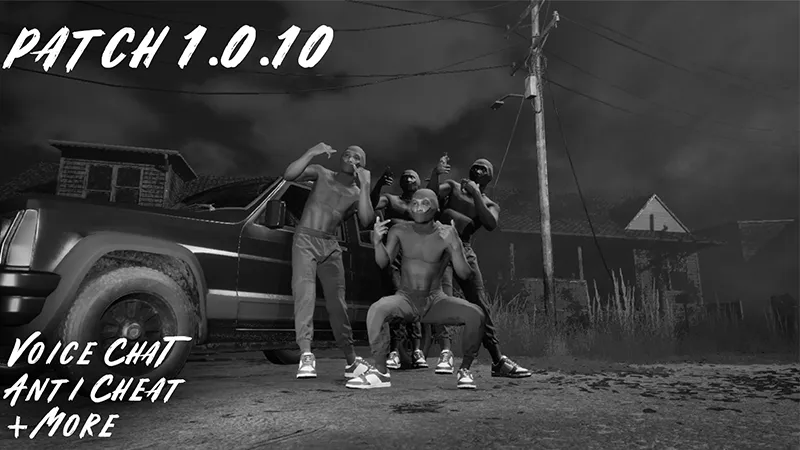
Trapstar Games’ artwork for the 1.0.10 voice-chat update. Open the Steam update post.
What should I check when voice chat fails?
If game audio works but teammates cannot hear you, test one change at a time. The developer documents whole-lobby and team channels, open mic and push-to-talk. It does not publish an exhaustive troubleshooting flow or every current menu label, so use the options visible in your installed build.
- Check the intended microphone in your system input settings and in-game device selection if one is offered.
- Select the voice channel for the listener: whole lobby or your team.
- Read your current push-to-talk binding. Hold that key while speaking; T is the documented default, not a guarantee after remapping.
- If testing open mic, use the available setting and ask the same listener to confirm whether speech is audible.
- Retry once after restarting the game, and note which change affected the result.
For a group, the friends guide distinguishes PARTY invitations from private password rooms. If the failure happens while joining, use the joining checklist instead of assuming the microphone is the cause. Lobby/team channels do not establish proximity or positional voice support.
What do the newer voice patches confirm?
Version 1.0.1.7 reports further audio and crash fixes. Version 1.0.1.8 specifically reports microphone network-code reworks fixing crashes and other issues. Neither announcement provides a universal cure or proves a particular microphone is compatible. Record your version, selected devices, channel, voice mode and exact failure stage if a problem remains.
The 1.0.10 artwork above documents the original voice feature. It is preserved as historical media, not relabelled as the interface for 1.0.1.8.
Sources
Related Articles
guides
Is Hood Warfare 2 AI-Generated? Bots & Production Claims
Separate confirmed Hood Warfare 2 bot matches from unverified AI-generated code, art and voice claims, with official sources and disclosure limits.
guides
Who Made Hood Warfare 2? Trapstar Games Creator & Developer
Find the confirmed Hood Warfare 2 creator and publisher credits, what the Trap$tar announcement signature establishes, and which identity claims remain unverified.
guides
Hood Warfare 2 Bots
Steam confirms that Hood Warfare 2 match setup can add bots to fill teams; use them to learn objectives before joining online play.
Was this helpful?
Thanks for the feedback!